
Export
Save your masterpiece
One dialog: name it, choose where it goes, pick the size and quality, and watch the frame it will start from.
- File name and Save to — decided before the render starts
- A live estimate of how large the file will be
- Hardware encoding where your GPU supports it
- Cancel any time — a half-written file is cleaned up
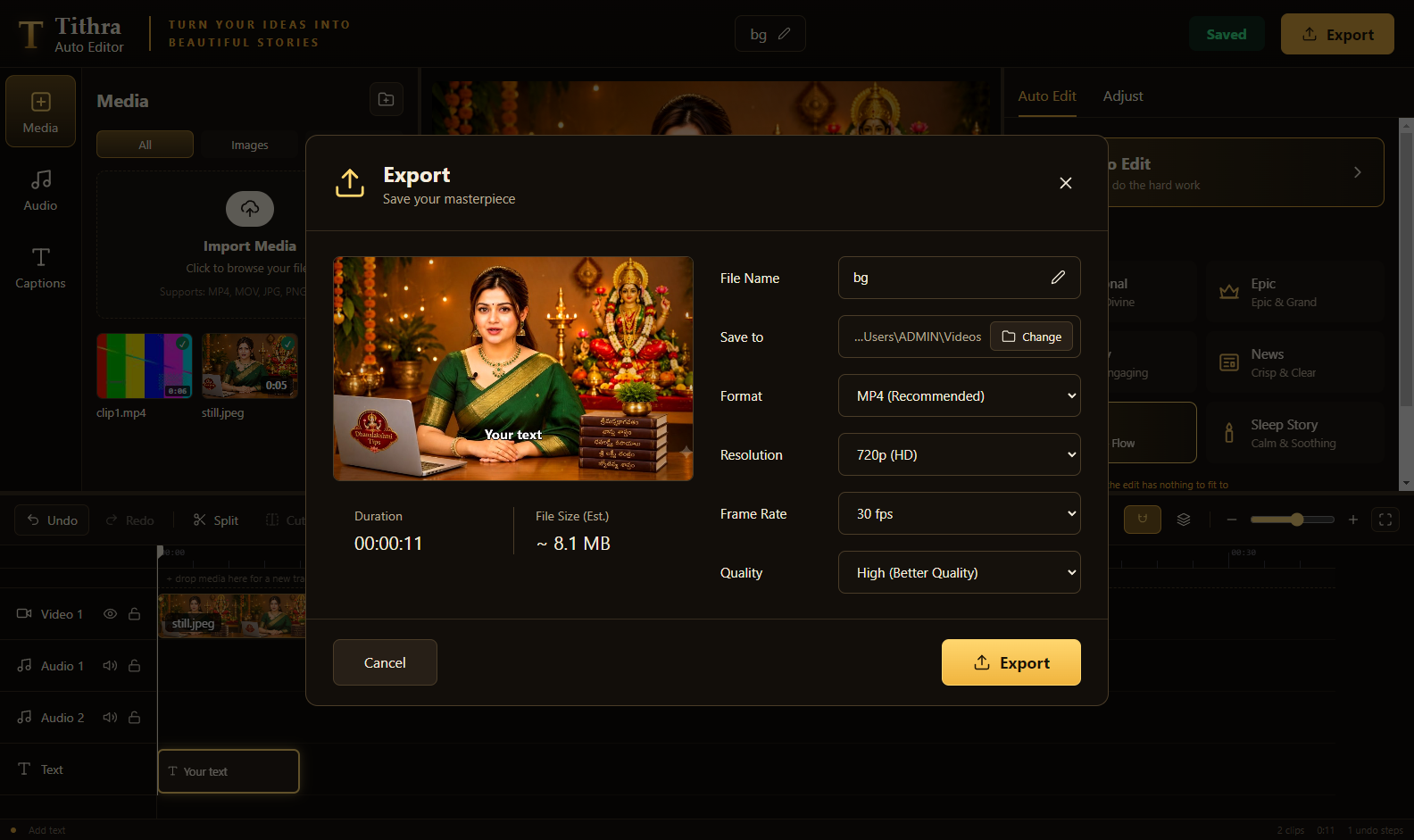
The export dialog
What you can choose
Presets that match where the video is going
Format
MP4 (H.264) — the format YouTube, Facebook and Instagram all accept without re-encoding surprises.
Resolution
720p (HD)
1080p (Full HD)
1440p (2K)
2160p (4K)
Frame rate
24 · 25 · 30 · 60 fps
Quality
High for upload
Medium for a balance
Low for a smaller file
Sound, finished
Music ducks under the voice, voice noise clean-up runs, and the mix is normalised to −14 LUFS — the loudness YouTube targets.
Any shape
16:9 for YouTube, 9:16 for Shorts and Reels, 1:1 for the feed. The export follows the frame you chose in the preview.
Long videos are fine
Frames stream to disk as they are encoded, so a two-hour timeline costs no more memory than a two-minute one.
Captions are burnt into the picture when you turn them on, and can also be saved as a separate .srt file — YouTube cannot read text that is baked into the video, so the subtitle file is what gets you searchable captions.